
WhatsApp frauds are becoming more difficult to identify. It could be an attempt to steal money, passwords, account access or personal information, even if it looks like it’s from a friend, employer, bank or other genuine firm. As scammers get more adept, tech businesses are turning to Artificial Intelligence (AI) to detect suspicious activity before users get scammed.
In August 2026, Meta began testing a new fraud Alert tool on WhatsApp that employs on-device machine learning to identify chats that may have fraud trends. The feature is being tested with a small number of users, and Meta says the detection happens on the user’s device, rather than forwarding message content to Meta to be classified. But what is this new WhatsApp fraud detection, and what do users need to know?
WhatsApp’s New Scam Alert Feature: Here’s All You Need To Know
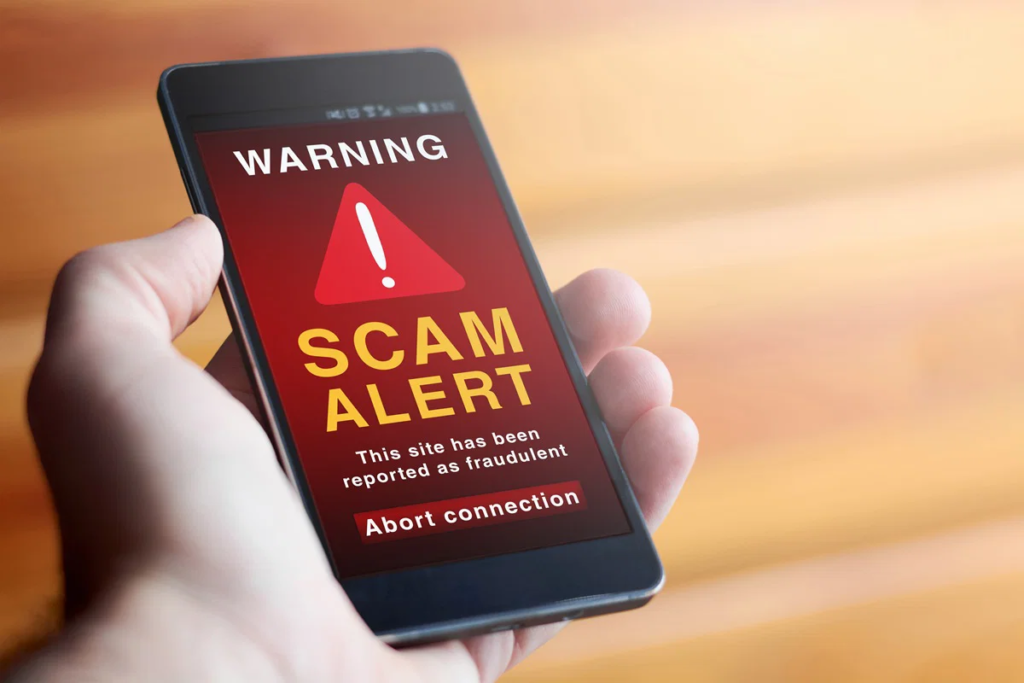
The new Scam Alert function notifies users when a chat seems suspect.
WhatsApp potentially can spot warning indications in real time, rather than waiting for someone to report a scam after losing money. If the system finds scam-related trends, the recipient can get an alert in the conversation.
The recipient sees the warning and has options such as:
- Block the contact
- Report the conversation
- Continue the conversation
- Mark the chat as trusted if the warning is incorrect
This feature is optional and is currently being tested and is not available to all users of WhatsApp.
How Does AI Detect Scam Messages?
You don’t need to hunt for a particular word or phrase to recognise AI scams. Instead, machine-learning systems can detect trends that may signal suspect behaviour.
For example, a scam dialogue may have multiple red flags such as:
- An unknown person suddenly contacting you
- A request for money
- Pressure to act immediately
- Requests for passwords or verification codes
- Suspicious links
- Investment promises
- Fake job opportunities
- Attempts to impersonate friends or family
- Requests to scan QR codes
- Instructions to link another device
Together, these signs can be somewhat more suspicious.
This is similar to how other technology businesses utilise AI to detect scams. For example, Google says its AI-powered systems analyse patterns linked with fraudulent content and its Pixel Scam Detection tool employs on-device AI to detect linguistic patterns connected with scams.
The Important Privacy Feature: Detection Happens On The Device
The way the analysis is done is one of the most crucial parts of Meta’s new WhatsApp Scam Alert.
It is reported that the current test has the AI model running on the user’s device. Meta claims communication content does not leave the device for the purpose of classification alone. The functionality doesn’t automatically send talks to Meta.
When a user designates a discussion as trusted, WhatsApp may optionally ask the user if they want to share the latest five messages received to assist enhance the accuracy of the function. Such sharing is voluntary.
That’s important since WhatsApp encrypts private conversations end-to-end. Security features should be built carefully so that fraud detection does not needlessly undermine communication privacy.
What Types of WhatsApp Scams Could It Help Detect?
The technology could help to spot a number of frequent scam practices.
1. Scam of Impersonation
A criminal may appear to be a friend, relative, boss or other trusted person and ask you for money out of the blue.
The request is uncommon and has a sense of urgency, which can be a red flag.
2. Investment Scams
Cryptocurrency, stocks, trading platforms, or other investments that promise guarantyd profits.
They usually begin with small talk before persuading the victim to deposit money into a false platform.
3. Fake Job Scams
A stranger may approach you with a wonderful work from home offer and then ask for registration fees, personal information or payment.
4. Phishing Links
A fraudster could pose as being told that your account has to be verified and give you a link.
NIST warns that phishing messages often employ a sense of urgency to encourage users to click links, download files, transfer money or reveal sensitive information.
5. WhatsApp Device-Linking Scams
Meta has also included warnings regarding malicious device-linking requests on WhatsApp. Scammers may try to trick customers into providing a device-linking code or scanning a QR code that would allow another device to connect to their account.
Real Example
1: Fake Friend Asking for Money
Imagine receiving this WhatsApp message:
“Hi. I’ve got a new number. I am in emergency and want ₹15,000 urgent. Please email it to this UPI ID. I’ll send it back tonight.”
The message might appear convincing if it utilises a recognised name or profile picture.
But there are several warning signs:
- New or unknown number
- Emergency situation
- Pressure to act quickly
- Request for money
- No independent verification
An AI-based system might possibly detect such tendencies and issue a warning.
Better to contact the person on their old number or other reputable manner before sending any money.
2: Fake Investment Opportunity
A user receives a WhatsApp message from an investment guru.
The talk starts off really casually. The guy gains trust, then provides a website and says:
“Invest Rs 5,000 today and you can earn Rs 25,000 this week.
The scammer may then demonstrate bogus returns on a fake investment dashboard and urge the victim to put in more money.
It is a typical social engineering tactic: establish trust, provide an irresistible opportunity, and then pressure the victim into making a financial decision.
OWASP’s security advice recognises the significance of social engineering and phishing attack patterns and its advice on transaction authorisation emphasises the need to check crucial transaction information rather than blindly following instructions.
Why AI-Based Scam Detection Matters?
Traditional security measures depend on known bad websites, phone numbers, accounts, or previously spotted scam tendencies.
There is the possibility that artificial intelligence may recognise larger patterns of behaviour and conversation.
Meta says its larger anti-fraud efforts employ AI to analyse signals such as language, photos and surrounding context to uncover increasingly sophisticated scam trends.
Google also discusses AI-powered scam detection which can detect scam content at scale and predict new scam tendencies.
Microsoft also suggests looking out for typical signs of phishing, such as suspicious links, unanticipated solicitations and efforts to collect personal information.
That is, artificial intelligence can provide an additional layer of security between the fraudster and the user.
Can WhatsApp AI Detect Every Scam?
No.
AI detection is useful, but should never be seen as a guarantee that all suspicious messages will be caught.
Scammers are forever changing their vocabulary, inventing new scenarios, using compromised accounts and tailoring their attacks. A clever swindle can look quite regular.
Google itself admits that its technology to detect scams is not foolproof, and urges users to be cautious.
Users should continue to adopt fundamental security procedures.
How To Protect Yourself From WhatsApp Scams?
Even with AI-driven protection, you should:
- Never distribute a one time password (OTP) or verification code.
- Never send money due to a message received on WhatsApp.
- Verify unusual requests using another channel of communication.
- Don’t click on any dodgy links.
- Do not scan unfamiliar QR Codes.
- Never disclose passwords or banking details.
- Be wary of investments that seem too good to be true.
- Report and block suspect accounts
- Always keep WhatsApp and your phone’s OS updated.”
- Enable any account security measures you have, e.g., two-step verification.
Microsoft advises to not click unsolicited links and attachments and to independently check unexpected requests. Google also advises to be wary of urgent requests, to inspect links and to pay attention to built-in security warnings.
The Future Of AI-Powered Scam Protection
The new feature is part of a wider trend in security where software is increasingly able to detect suspicious behaviour on its own instead than depending on individuals to identify scams.
The technique is especially valuable, as scammers exploit human emotions such as fear, anxiety, curiosity, trust and greed.
AI is able to see patterns that a human would not, but human judgement is still necessary. The best defence is a combination of AI detection, strong security measures and user awareness.
Companies like as Meta, Google and Microsoft are also fighting back with AI as scammers employ AI to write more convincing communications.
The main takeaway for WhatsApp users is one simple lesson: an AI alert is useful, but even without a warning, don’t trust that a message is secure just because it appears familiar.
Conclusion
While WhatsApp scammers are getting smarter, Meta’s new AI-powered Scam Alert function offers an extra layer of protection by spotting sketchy chat patterns. Artificial intelligence can help users discover possible scams, but it can’t catch all of the fake messages. Users are still urged not to share OTPs, passwords, banking details or transmit money based on unsolicited requests. Staying attentive, confirming questionable messages yourself, keeping WhatsApp updated, and utilising the security mechanisms at your disposal will dramatically lower the chances of becoming a victim of WhatsApp scams.
Frequently Asked Questions
1. What is WhatsApp Scam Alert ?
Meta is testing a new tool called WhatsApp Scam Alert that uses on-device machine learning to identify conversations that may have scam characteristics and alert the recipient.
2. Does WhatsApp forward my communications to Meta for AI scam detection?
Meta states the classification of the Scam Alert happens on the device and the message’s content doesn’t leave the device to be classified. Once a chat is marked as trusted, users can choose to help enhance the functionality by optionally sharing the latest five messages they received.
3. Can WhatsApp AI detect all scams?
No. Scam detection systems might be wrong and thieves are always changing their strategies. Users should still check questionable requests and not share important information.
4. What if WhatsApp notifies me of a scam?
Pause and consider the dialogue. Never share passwords or verification codes, click on dubious links, or transmit money. If you think the chat is a scam, you can ban or report the contact.
5. How can I protect myself against WhatsApp scams?
Turn on two-step verification, keep WhatsApp updated, be wary of strange links and QR codes, never exchange OTPs, and independently verify any unexpected requests for money or sensitive information.
Try Our Tools
Want to improve your everyday digital security? Try our tools at ExplainMeTech to access practical security and technology tools designed to help you protect your accounts, passwords, and online activities.
Explore ExplainMeTech Tools: https://explainmetech.com/tools/
References
- Meta Engineering – How We’re Building Scam Alert on WhatsApp
Meta Engineering: WhatsApp Scam Alert - Meta – New Anti-Scam Tools and AI Technology
Meta: Anti-Scam Tools and AI Technology - NIST – Phishing Guidance
NIST: Phishing - NIST CSRC – Phishing Definition
NIST CSRC: Phishing Glossary - Google Safety Center – Scams & Fraud
Google Safety Center: Scams & Fraud
For more helpful technology, cybersecurity, and digital safety tips, visit ExplainMeTech.com and explore our latest guides, tools, and security insights.