
Passwords are one of the first lines of defense for our online accounts, but weak or predictable passwords can provide fraudsters with an easy opportunity to acquire unauthorized access. Attackers use different password cracking methods to guess credentials, with dictionary attacks and brute-force attacks being two of the most common techniques. Both are designed to uncover passwords, but they do it in different ways. Knowing dictionary attack vs brute force attack assault can help you understand how these attacks work, and take the right precautions to safeguard your accounts. In this tutorial, we’ll explain the main distinctions, discuss real-world examples, and offer practical techniques to build stronger passwords and improve your cybersecurity.
What Is A Brute Force Attack?
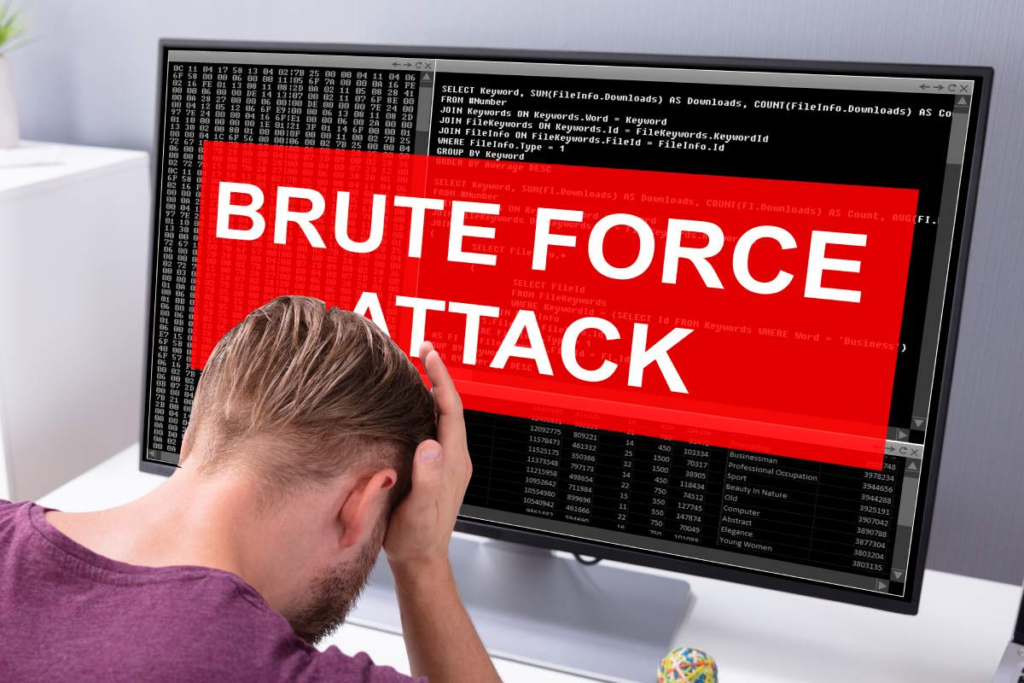
A brute force attack is a technique used by hackers to crack passwords and other data by repeatedly trying different combinations until the correct one is found.
If you are curious about how attackers guess passwords, then it’s crucial to dictionary attack vs brute force attack. A dictionary attack vs brute force attack is not simply about two comparable strategies. Both are ways to attack passwords. But they have different methodologies to obtain passwords.
Dictionary attack and brute force attack has different guessing logic. Brute-force assault: A password cracking technique that attempts all possible combinations until the correct password is identified. An attacker may try combinations of letters, numbers, symbols and other lengths, depending on the target and the resources at hand.
The main idea is comprehensive search. A classic brute-force strategy relies on combinations from a fixed character set, rather than on what a person is likely to choose. Short passwords are thus more susceptible as they provide fewer options for combinations.
OWASP says that brute-force assaults can employ fixed values and attackers may use dictionaries or classic combinations depending on their plan.
What Is A Dictionary Attack?
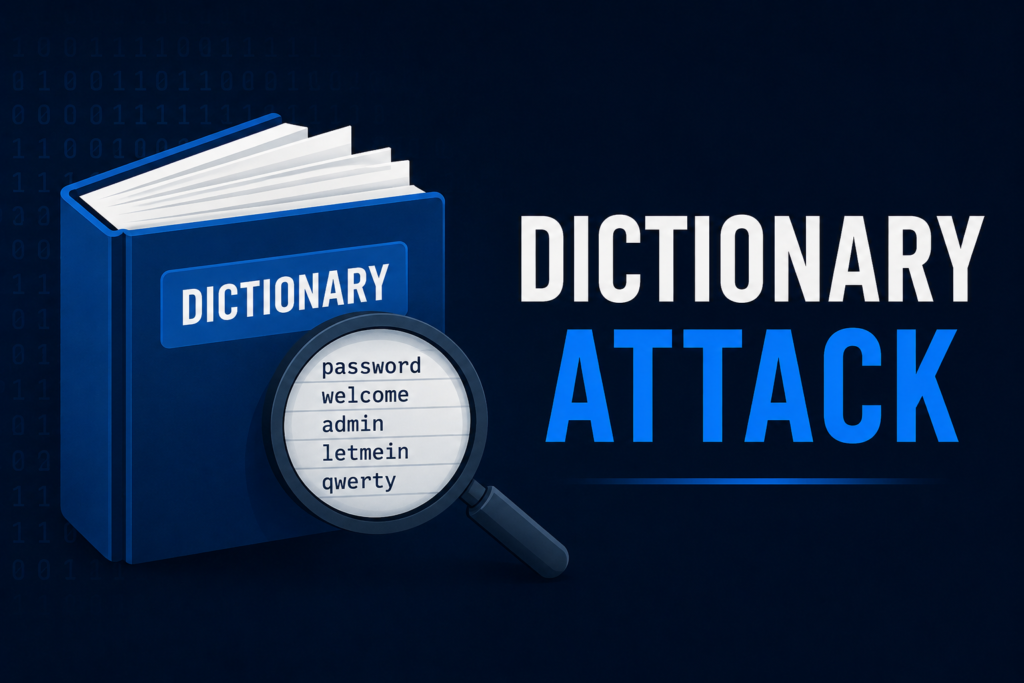
A dictionary attack is a type of password attack where instead of trying all possible combinations, you start with a list of probable words, passwords, phrases or patterns previously seen.
Attackers may employ lists of common passwords, names, common phrases, keyboard patterns, and variants on commonly used passwords. They might also try variations of words, such as numerals or other capitalizations.
Dictionary attack vs brute force assault The primary distinction is the search approach . Dictionary attack will try probable choices, but classic brute force will try a far larger set of combinations.
Dictionary Attack Vs Brute Force Attack: The Main Differences
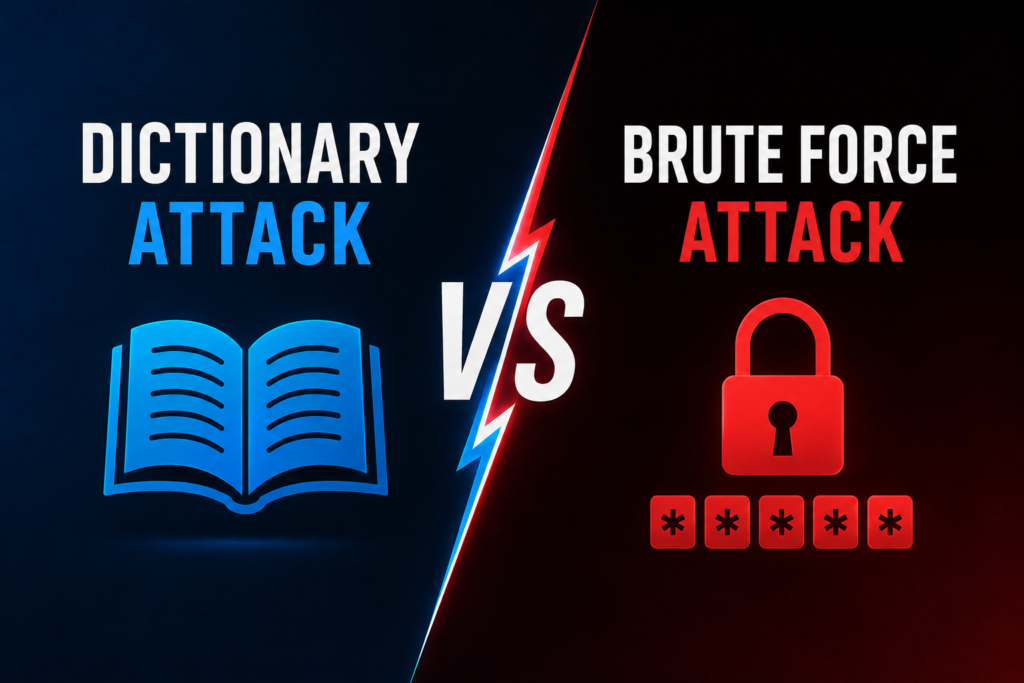
Dictionary attack vs brute force assault is easier to understand when you compare the two ways firsthand.
1. Method
A dictionary attack is using a pre-compiled list of plausible passwords or a collection of terms. Brute force will try combinations of characters from a given character set in a systematic way.
2. Speed
If the password is common or based on a predictable word , then a dictionary attack is faster . If the password is long and random, traditional brute force may need many more guesses.
3. Targeted
Human habits can be used by dictionary assaults. Brute force is less sensitive to what kind of password a person is likely to pick.
4. Efficiency
Dictionary attacks work well against weak, common or predictable passwords. If the password is long and random, the harder it is. The more brute force you use.
Ultimately , dictionary attack vs brute force attack is mostly a question of probability vs extensive searching . Both can be dangerous threats if users utilize weak or predictable passwords.
Real-World Example
A Weak Email Password
Suppose Priya chooses an email password that is her favourite phrase and a familiar number. She thinks the password is safe because it has both upper and lowercase letters and numerals.
The attacker who is trying to compromise the account does not need to try all the potential combinations. A password attack based on a dictionary may try all the common words first and then common number sequences. If Priya’s password follows a pattern that is present in common password lists, it could be found faster than she thinks.
This is an example of why adding “123” or a year to a common word does not necessarily produce a strong password. A dictionary attack versus a brute force attack is important here, as the attacker might prefer likely human options instead of searching for all the conceivable combinations.
Randomly Generated Password
Now think of Arun who has a special password for his internet banking which is randomly generated. It’s long, it’s unpredictable, and it’s not on his name, his birthday, his favourite sport, or a popular word.
A dictionary attack is far less useful as the password does not consist of predictable terms. The number of viable choices would be far higher with a brute-force technique, making it much more difficult to estimate.
That’s why security organizations advise strong, unique passwords and other authentication protections. A password manager or password generator can let users create random passwords without having to remember every character.
Dictionary Attack Vs Brute Force Attack – Which Is More Dangerous?

There is no simple answer. The risk relies on the password , the target system , whether the guessing is done online or against stolen password hashes , and the security protections in place .
Rate restriction, login throttling, monitoring and MFA may prevent online assaults and reduce repeated guessing. The NIST standard proposes to rate limit failed login attempts and OWASP recommends layered defences to prevent automated attacks.
When password hashes are obtained, attackers can try guesses offsite without having to keep contacting the original login system. This makes it more costly to perform strong password hashing. OWASP suggests using Argon2id, bcrypt, or PBKDF2 instead than storing passwords in plain text.
How To Protect Yourself Against Password Attacks?
To lessen the danger of password assaults and other credential attack techniques:
- Use long, unique passwords for all master accounts.
- Avoid familiar terms and common patterns that include names, birthdays, and keyboard patterns.
- Generate and set up random passwords with a trusted password manager.
- If multi-factor authentication (MFA) can be achieved, implement it.
- Change the agreement passwords as soon as possible if someone breaks a record.
- Never, ever reuse passwords in serious debt.
- Be aware of phishing communications that try to borrow your login credentials.
Google recommends you use strong, specific passwords and offers password scanners to help you kill weak, repeated or compromised passwords Microsoft notes that major password attack risks for businesses additionally include brute force and password spray games.
Password Generator: Build Stronger Passwords
Using a strong password is one of the easiest ways to reduce the effectiveness of password cracking methods. If you are struggling to think of random passwords yourself, a password generator can generate long, unpredictable combinations for you.
Our Password Generator – https://explainmetech.com/tools/password-generator
Our Password Generator assists users in developing stronger passwords without using predictable personal information or recurring patterns.
If you use a password generator, use a new password for every account and keep the passwords safe with a password manager you trust.
Dictionary Attack Vs Brute Force Attack: What You Need To Know?
The main takeaway is that password strength is based on length and unpredictability. Short, common or predictable passwords provide attackers a better starting point.
Modern password cracking methods combine dictionary-based guessing with other techniques . So a password that just ” looks complicated ” isn’t adequate.
Dictionary attack and brute force assault, then, should be viewed as two separate ways of guessing credentials. Strong passwords, unique credentials, MFA, rate restriction, secure password storage and monitoring make attacks harder.
Conclusion
Dictionary attack vs brute force attack is an important cybersecurity subject since both strategies leverage weak or predictable authentication secrets in different ways. A dictionary attack tries likely options, while brute force goes thru a wider variety of possibilities.
The best defence is to make passwords tough to guess from the start. Use strong, unique passwords. Don’t reuse passwords. Enable MFA. Use reliable password-management software. Websites and organizations may decrease the danger further thru rate limiting, secure password hashing, monitoring and layered authentication defences.
Frequently Asked Questions
1. What is the difference between a Dictionary attack vs brute force attack?
A dictionary attack targets words, frequent passwords, and potential variations. A brute-force attack tries all conceivable combinations. The only variation is in the selection of the guesses.
2. Which attack is quicker?
If a password is popular or predictable, a dictionary attack can be faster because it examines plausible guesses first. A longer and random password will take more time to brute-force.
3. Does a strong password make brute-force attacks impossible?
There is no such thing as an unhackable password. But a long, unique, randomly generated password makes guessing much more difficult. Additional Protection with Rate Limiting and MFA
4. Dictionary assaults are still a problem today.
Yes. People still choose passwords using common words, personal information and predictable patterns. This makes dictionary-based guessing useful together with other password cracking methods.
5. How can I safeguard my account against such attacks?
Use long, unique passwords, avoid common patterns, activate MFA, use a password manager, and reset passwords that have been revealed in breaches. Organizations should additionally implement rate restriction, monitoring, secure password hashing, and layered authentication controls.
Reference Sources
- OWASP – Authentication Cheat Sheet — guidance on password strength, automated attacks, MFA, login throttling, and account protection. OWASP Authentication Cheat Sheet
- NIST – Digital Identity Guidelines: SP 800-63B — authentication requirements and rate-limiting protections against online guessing attacks. NIST SP 800-63B
- Microsoft – AD FS Password Attack Protection — information on password attacks, brute-force attacks, and password spraying. Microsoft Password Attack Protection
- Google Safety Center – Authentication & Password Security — guidance on strong, unique passwords, Password Manager, and account protection. Google Safety Center: Authentication
- Cloudflare – What Is a Brute Force Attack? — explanation of brute-force password attacks and how trial-and-error guessing works. Cloudflare: What Is a Brute Force Attack?
For more useful technology, cybersecurity and digital security information, visit ExplainMeTech.com and check out our latest guides, tips and insights.