
If you use Chrome or Android, you’ve likely seen Google Password Manager asking if you want to remember a password. It’s handy, but many users still wonder: is Google password manager safe to store crucial login details?
Short answer: yes. For most average users, Google Password Manager is a safe and convenient password manager, provided that the Google account, and the devices connected to it, are well protected. Google offers password generation, autofill, Password Checkup, encryption, and passkey support.
But no security tool comes without its risks. The overall strength of your password also depends on your Google Account, the security of your device, software upgrades and your ability to identify phishing attempts.
What Is Google Password Manager?
Google Password Manager is Google’s built-in password manager for Chrome and Android. It has the ability to generate strong passwords, store credentials, auto-fill login details, and sync passwords between compatible devices.
Manage stored passwords in Chrome, Android, or passwords.google.com. Google now lets users keep passwords locally on a device instead of syncing passwords to a Google Account.
It’s a handy approach for those who often save passwords in Chrome to handle a lot of different credentials without having to remember them.
Is Google Password Manager Secure?
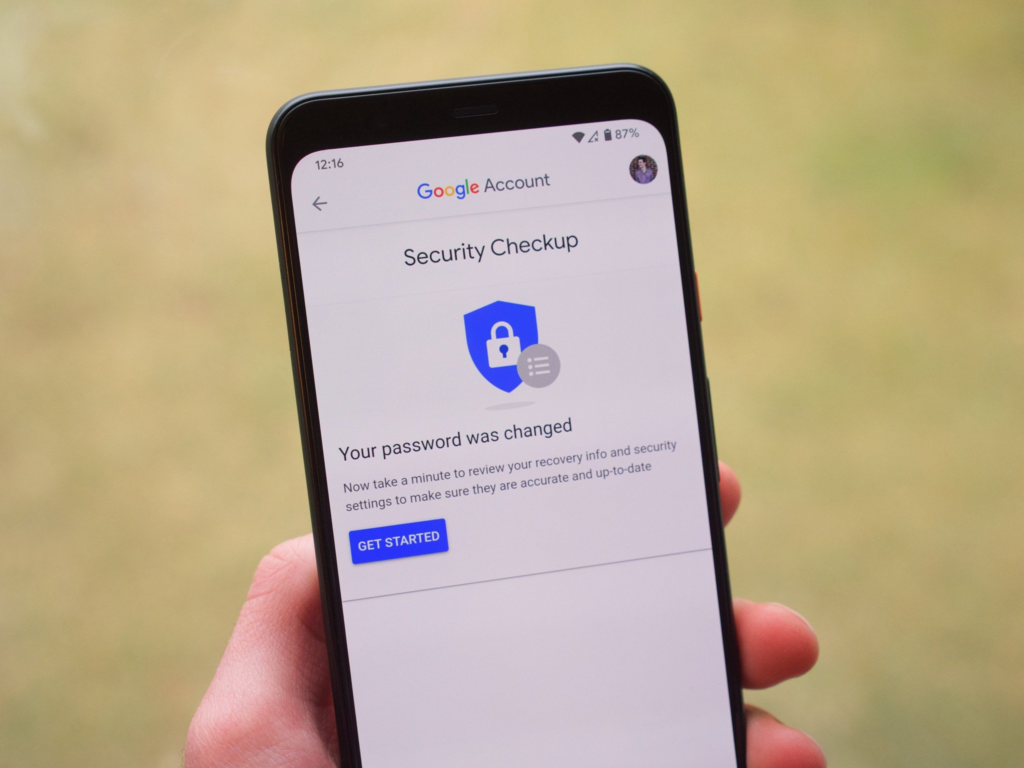
Yes is Google password manager secure is usually replied with a “yes” for routine personal use. Google says saved passwords are secured by built-in security and encryption. It also warns you if your saved passwords are hacked and recommends using recovery info and 2-Step Verification for added protection.
One of the main benefits of utilizing a password manager is that you may have a separate password for each website. This minimizes the impact to when a data breach happens at one website.
NIST supports password managers and autofill because they can help users choose stronger passwords and make it easier to manage secure credentials.
So, the safety of google password manager depends on security features of google itself and how you safeguard the account and devices connected with it.
How Google Password Manager Keeps Your Passwords Safe?
One of the major challenges in online security is password reuse. For example, if you use the same password for your email, shopping account and social media account, one stolen password might possibly compromise multiple accounts.
Google Password Manager can create different passwords for different accounts. This makes it easier to avoid the repetition of using the same passw Read More »
Google also offers Password Checkup, which can help you spot weak, repeated and breached passwords. Users can then modify the impacted credentials.
Additionally, Google Security states that Password Manager is integrated into Chrome and Android and can securely create, save, and fill in passwords and passkeys.
Chrome Password Manager: Is It Safe To Save Passwords In Chrome?
Chrome password manager is included right into Google Chrome. Chrome Sign-in lets you save your credentials in your Google Account and access them on supported devices. Chrome can also save passwords locally on your device when you’re not signed in.
So, Is Google Password Manager Safe For Saving Passwords In Chrome? Yes, usually. Generally, it’s safer than saving passwords in plain-text documents, spreadsheets, email drafts, or using the same password for everything.
Chrome also offers biometric authentication on supported PCs. That can include requiring fingerprint or other device identification before revealing or auto-filling passwords.
Still, you shouldn’t save passwords on public or shared computers.
Realistic Example
Password reuse
Suppose Priya has the same password for her shopping, social media and email account. She uses a smaller website that has a data breach and her email account and password are compromised.
With these stolen credentials, attackers can attempt to access other famous sites.
Priya could have used Google Password Manager to generate a unique password for every account, and the stolen password from the smaller website would not automatically work on the other accounts.
This is one reason why google password manager secure is also worth looking at for how it improves common password habits.
An unlocked laptop
Take Arun, for instance, who has 30 saved passwords in Chrome but often leaves his laptop unlocked while he walks away from his workstation.
If someone gained physical access to the laptop, they would have access to information that is already on the device.
A password manager is not a replacement for basic device security. Arun should have a strong device password or PIN, set his screen to lock automatically, keep his software up to date and add extra protection to his Google Account.
This is why Google Password Manager Secure cannot be looked at in isolation from device security.
Google Password Manager And Passkeys
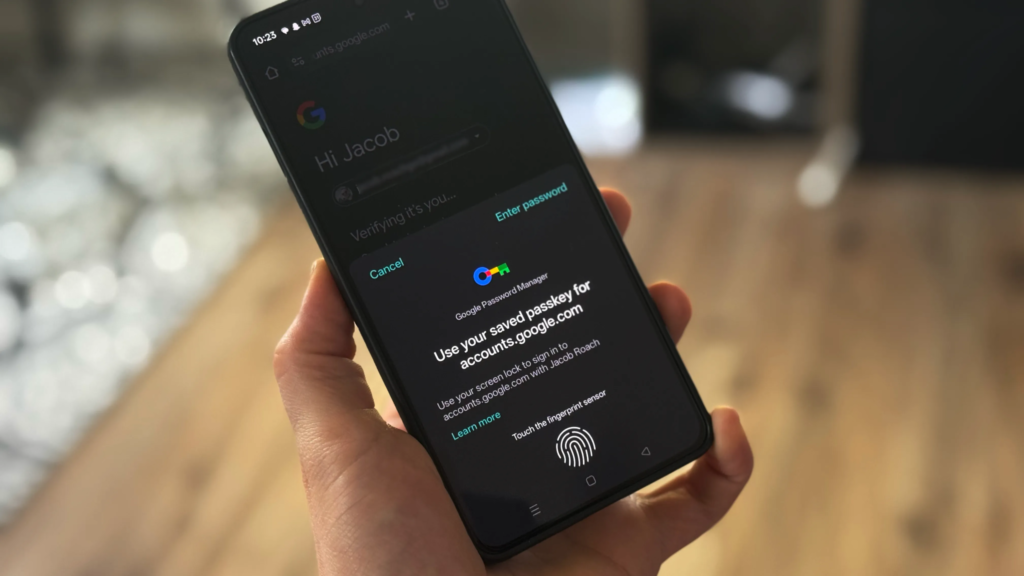
Google Password Manager now accepts passkeys, which are supposed to provide an alternative to standard passwords.
Passkeys can authenticate the user via a fingerprint, facial scan or device screen lock. Google says passkeys are more secure against phishing because they can’t be copied and pasted into a fake website. The biometric data that is used to unlock a passkey remains on the user’s device.
This is why passkeys are an essential breakthrough in password security. Users will be able to begin moving away from password-only authentication to employ authentication techniques that are designed to withstand common password-stealing attempts.
What Are The Risks?
Most people react positively to the question ‘Is Google password manager safe?’, however, there are still certain concerns.
1. Google Account Security
If your passwords are synced to your Google account, then it is very crucial to protect that account. If someone gains unauthorized access, they could potentially access important account information.
2. Phishing
A password manager can’t prevent all phishing attacks. Be wary of links you get via email, messaging and social media. Always check the webpage address before you log in.
3. Device Security
Other threats include malware, stolen electronics or an open PC. Update your operating system and browser and apply a secure screen lock.
4. Shared Computers
Don’t ever save personal passwords on public computers or business computers you don’t own or on other people’s PCs.
How To Make Google Password Manager Safer?
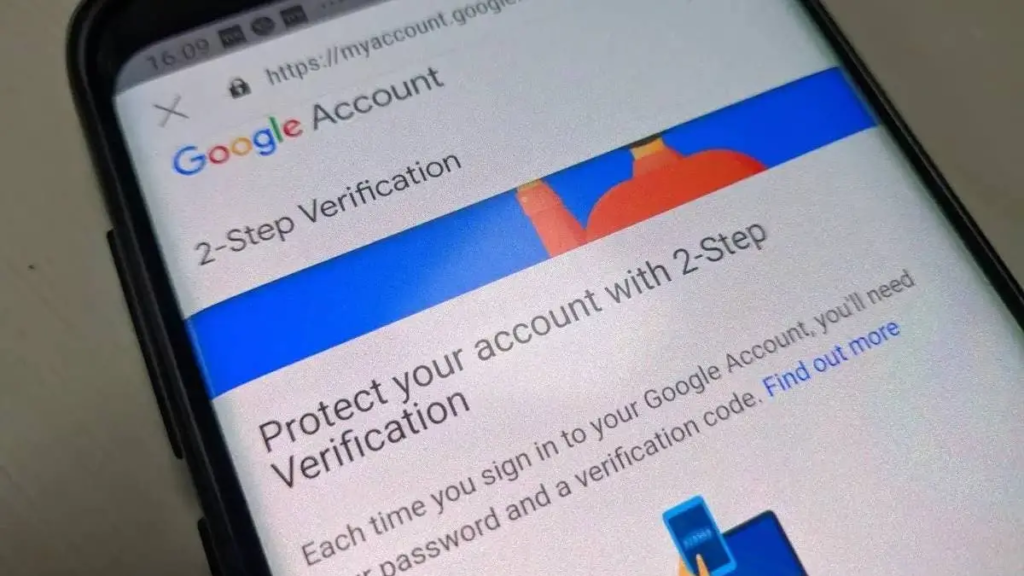
Here are some basic things you can do to improve your password security:
- Keep your Google Account secure with a strong and unique password.
- Turn on 2-Step Verification.
- Keep your operating system and Chrome up to date.
- Use a strong screen lock or biometric authentication.
- Run Password Checkup periodically.
- Change passwords that are weak, overused or hacked.
- Use passkeys where supported by trusted services.”
- Do not store passwords on public computers.
- Check for website addresses before providing any important information.
- Check your Google Account security activity on a regular basis.
“2-Step Verification adds an extra layer of protection,” Google writes, “because knowing the password is not enough to pass the security check for many sign-ins.
Password managers are also recognized by OWASP as important solutions for managing large amounts of credentials . OWASP also encourages robust authentication procedures .
Our Password Generator Tool
A strong password should be distinctive and hard to guess. Avoid names, birthdays, phone numbers, favourite teams or frequent terms.
Generate random better passwords for your online accounts using our ExplainMeTech Password Generator – https://explainmetech.com/tools/password-generator/
Use a separate password for each key account, and store it securely in your password manager.
NIST states that password managers that include password generators can help users choose stronger credentials.
Is Google Password Manager Safe For Regular Users?
Is google password manager safe? The answer is a resounding yes for most individuals, if used properly.
It’s especially beneficial for Chrome and Android users who want a quick way to generate unique passwords, autofill credentials, check for compromised passwords, and use passkeys.
Microsoft’s recommendations on password management also promotes strong, unique passwords and stresses password-management techniques as part of greater account security.
The key thing here is that a password manager is not your whole security plan. You need to protect your Google account and gadgets too.
Conclusion
So is google password manager safe? Yes. It is a good and safe option for most users to manage passwords. Its password generation, encryption, autofill, Password Checkup and passkey features can help make proper password security more accessible to the everyday user.
But no password manager should be seen as a complete solution for cyber security. Protect your Google Account with 2-Step Verification Protect your devices Use strong, unique passwords Keep your software up to date and be aware of phishing scams. Google Password Manager is a handy alternative to remember if you’re already using Chrome and Android.
Frequently Asked Questions
1. Can I use Google password manager?
Yes. So, Google Password Manager is secure to use for daily use and comes with features like encryption, password creation, autofill, password checkup, and passkey support.
2. Would it be possible to save passwords in Chrome?
Yes, protecting passwords with Google Password Manager is generally more stable than using the same password on two websites or protecting confidential information in an insecure comment. Now do not store passwords on public or shared computer systems.
3. Is there a way to hack Google Password Manager?
No ISP should be 100% secure. You can limit your exposure by choosing a consistent Google account password, using 2-step verification, keeping up-to-date tools, and removing phishing attacks.
4. Is Google Password Manager better than writing down passwords on paper?
Well, for most of the elements. A password manager makes it less difficult to set up exact passwords and fill them in yourself, reducing the temptation to repeat simple passwords from time to time.
5. Are passkeys supported by Google Password Manager?
Yes. Google Password Manager supports passkeys on compatible services and devices. Passkeys offer higher security against phishing than regular passwords.
References
1. OWASP – Authentication Cheat Sheet — OWASP Authentication Cheat Sheet
2. OWASP – Password Storage Cheat Sheet — OWASP Password Storage Cheat Sheet
3. NIST – Digital Identity Guidelines (SP 800-63B) — NIST SP 800-63B
4. Microsoft – Password Security Guidance — Microsoft Password Security Tips
5. Google Security – Authentication & Password Manager — Google Security – Authentication
Stay informed with the latest technology, cybersecurity, and online safety guides from ExplainMeTech.com.