
Smart security cameras simplify remote monitoring of homes, offices and other spaces, but they can pose cybersecurity dangers when vulnerabilities are found in their firmware. TP-Link Tapo C200 security flaws: Can hackers get into your home camera? The latest TP-Link security advisories reveal a number of vulnerabilities impacting numerous hardware and firmware versions of the Tapo C200, including authentication bypass, denial-of-service (DoS) and other security flaws.
What’s crucial to note is that these flaws don’t mean every Tapo C200 camera is inherently hackable. Exploitability depends on whatever vulnerability is implicated, the network position, the firmware version, and the hardware version. TP-Link has provided patched firmware for the vulnerable versions and firmware upgrades are some of the most critical security actions for users.
What Are The TP-Link Tapo C200 Security Flaws?
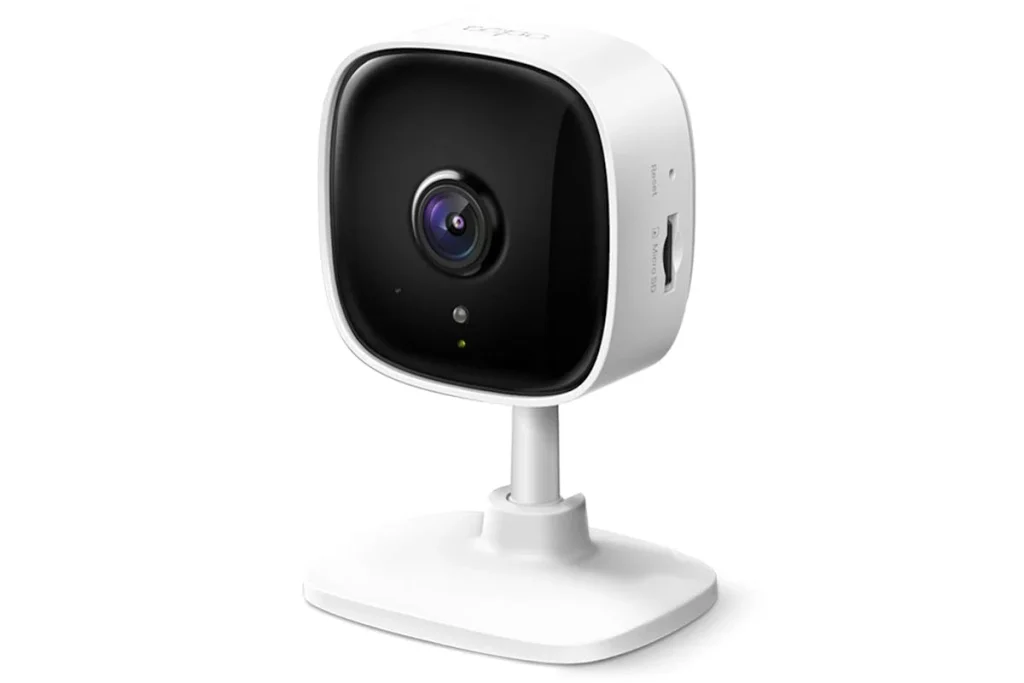
The TP-Link Tapo C200 Security Flaws are published vulnerabilities in certain Tapo C200 hardware and firmware versions. Recent advisories include CVE-2026-15315, an authentication-bypass vulnerability affecting Tapo C200 v5, and CVE-2026-15316, an input-validation vulnerability that can lead to a denial-of-service condition. Both are rated as high severity vulnerabilities by TP-Link.
CVE-2026-12760 Another TP-Link Tapo C200 Security Flaws report impacts Tapo C200 v3. “Maliciously-designed IPv4 fragmented packets can cause resource exhaustion and temporarily destabilise or make the camera unavailable,” TP-Link said. TP-Link lists the firmware version for C200 v3 as 1.4.4 Build 250922.
A new alert about TP-Link Tapo C200 security flaws reveals CVE-2026-1871, a stack-based buffer overflow in the RTSP authentication handling on Tapo C200 v5. If successfully exploited, it may crash the RTSP service and reboot the camera, disabling live video and administration access, TP-Link adds.
Can Hackers Access A Tapo C200 Camera?
The response will depend on the vulnerability and the setup of the device. Some security flaws in the TP-Link Tapo C200 could influence availability, and the authentication bypass flaw is more significant.
For CVE-2026-15315, TP-Link says an attacker on the local network can leverage flaws in challenge-parameter validation to circumvent conventional authentication restrictions and gain administrative session tokens. Successful exploitation could allow for privileged management activities and unauthorised administrative access.
That is to say, consumers should not assume that just because a vulnerability exists, an attacker can immediately observe every camera via the Internet. Different vulnerabilities demand different access to the network.
Major Vulnerabilities Affecting Tapo C200
There are a number of publicly disclosed security flaws in the TP-Link Tapo C200.
1. CVE-2026-15315 — Authentication Bypass
This is one of the biggest of the current TP-Link Tapo C200 security flaws. This issue affects Tapo C200 v5. Improper Authentication Check. TP-Link labels the problem as CVSS v4.0 8.7 High and suggests updating to V5_1.4.6 Build 260709 Rel.27675n.
2. CVE-2026-15316 — Denial of Service
Another problem is large encrypted credential input in TP-Link Tapo C200 Security Flaws. TP-Link says specifically constructed large ciphertext values might lead to exception-handling issues, which can crash or restart the camera. The vulnerability is classified High (CVSS v4.0 7.1).
3. CVE-2026-12760 — IPv4 Fragmentation DoS
This TP-Link Tapo C200 Security Flaws revelation impacts C200 v3. An unauthenticated nearby attacker might send crafted fragmented IPv4 packets that lead to high resource utilisation . This may cause momentary loss of monitoring or recording.
4. CVE-2026-1871 — RTSP Buffer Overflow
The TP-Link Tapo C200 Security Flaws vulnerability is situated in C200 v5 with inappropriate validation of RTSP Authorisation header lengths. TP-Link says successful exploitation can crash the RTSP core service, and cause an auto reboot.
Two Real Examples
Tapo C200 v5 Authentication Bypass
One reported example of the TP-Link Tapo C200 Security Flaws is CVE-2026-15315. An attacker on the local network could exploit vulnerabilities in the authentication-verification and gain administrative session tokens. This is why protecting the camera account is crucial, but securing the local network is important too.
Tapo C200 v3 Camera Disruption
CVE-2026-12760 – TP-Link Tapo C200 Security Flaws – Yet Another Real World Example. TP-Link said created IPv4 fragmented packets could lead to excessive resource usage, which could lead to camera instability and temporary loss of video monitoring or recording.
Older Tapo C200 Vulnerabilities
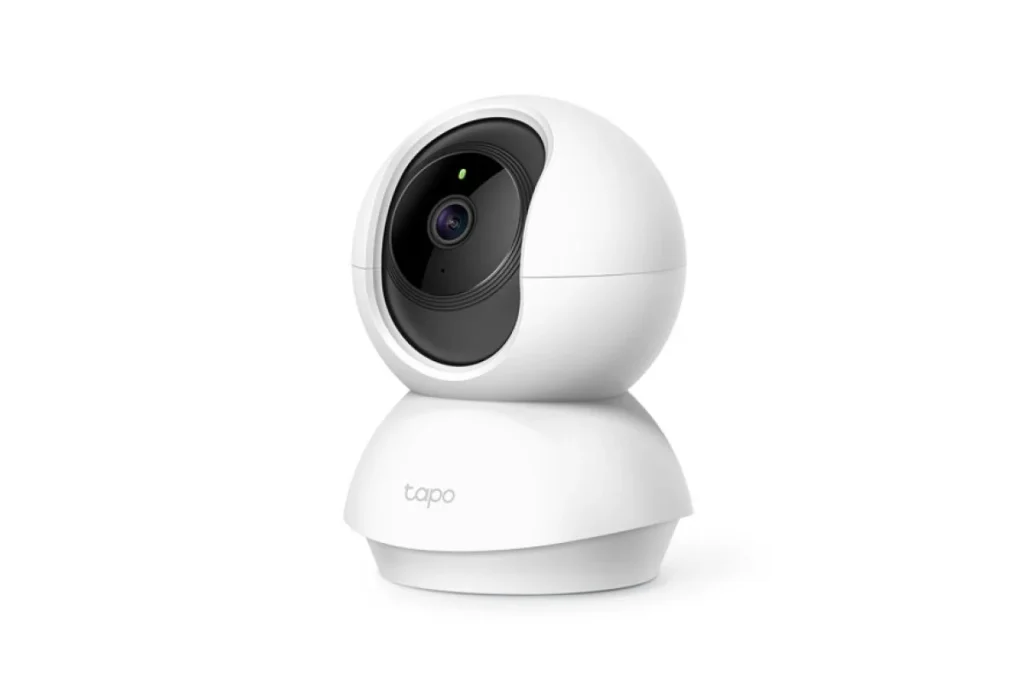
The TP-Link Tapo C200 Security Bugs are not just vulnerabilities reported in 2026. Public vulnerability databases also identify previous problems impacting some versions of the C200 firmware.
For example, CVE-2021-4045 affected Tapo C200 IP cameras running firmware version 1.1.15 and below and was defined as an unauthenticated remote-code-execution vulnerability. The detailed firmware version dependency of vulnerabilities means that users should not assume that an older device is safe just because it appears to be working correctly.
A separate previously reported vulnerability, CVE-2023-27126, involved the reuse of an AES key-IV pair on a particular C200 v3 firmware version, which might result in the leakage of sensitive information if an attacker gained physical access to the camera.
As we have shown in the above cases, TP-Link Tapo C200 security flaws should be evaluated from a firmware-version viewpoint instead of assuming all C200 device is equally vulnerable.
How To Protect Your Tapo C200?
The most practical approach to the TP-Link Tapo C200 Security Flaws is to check the camera’s hardware and firmware versions and install the relevant official security update.
1. Update the Firmware
TP-Link recommends that users update impacted cameras to appropriate corrected firmware versions. For CVE-2026-15315 and CVE-2026-15316 impacted C200 v5, TP-Link lists V5_1.4.6 Build 260709 Rel.27675n as the patched firmware.
2. Use a Strong Account Password
A strong, unique password lowers the danger of account compromise. Never use your camera account password for email, social media or any other site.
3. Secure Your Home Wi-Fi
Wi-Fi security is particularly crucial because some of the TP-Link Tapo C200 Security Flaws require the attacker to be on or next door to the local network. Use WPA2 or WPA3 where supported, keep the router firmware updated and don’t share your WiFi password unnecessarily.
4. Keep the Camera Off Untrusted Networks
Do not put smart cameras on open or unsecure networks. Consider a separate IoT network or guest network with proper isolation when possible.
5. Monitor for Unexpected Behaviour
Check for any unexpected camera restarts, loss of access or strange account activity. Sometimes availability difficulties can be caused by typical technological faults, but recurrent unexplained behaviour demands investigation.
What OWASP And NIST Recommend?
The security flaws in the TP-Link Tapo C200 also point up larger IoT security concepts. Important areas for IoT security are authentication and authorisation, secure updates, out of date components, privacy protection and safe data transfer, according to OWASP.
The NIST consumer IoT baseline proposes capabilities like access control, secure software upgrades, update verification, and keeping device software current.
The OWASP IoT Security Testing Guide additionally stresses on authorisation controls and secure firmware-update processes.
Likewise, Microsoft recommends robust device identity, least-privilege access, continuous firmware updates, and security monitoring as critical IoT security practices.
Why Firmware Updates Matter?
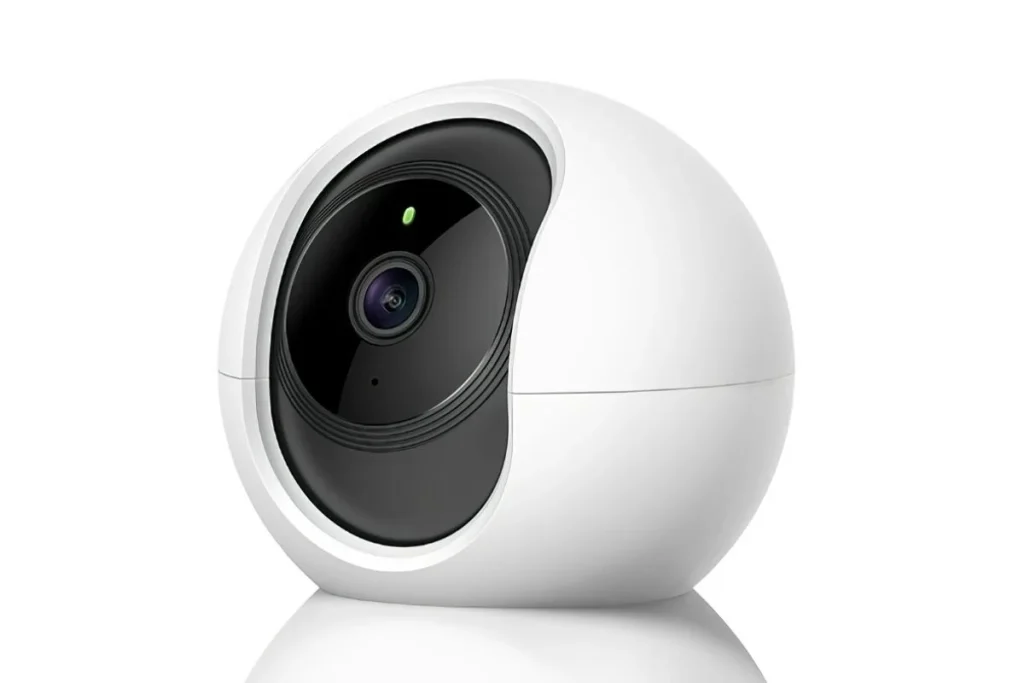
The TP-Link Tapo C200 security flaws are a perfect example of why you should not view firmware as something that merely modifies camera features. Firmware updates can fix security flaws found after a product has been sold to users.
Software-update capabilities are crucial to vulnerability management because they allow for detected vulnerabilities to be remediated, says NIST. Microsoft also points out that IoT firmware may have outdated components and other vulnerabilities that must be analysed and remediated.
Are Tapo C200 Cameras Safe To Use?
Having TP-Link Tapo C200 security flaws doesn’t indicate that all Tapo C200 cameras are vulnerable. In terms of security impact, it will depend on the vulnerable hardware, the firmware version and the circumstances needed for exploitation.
The logical thing is to determine your specific hardware version, verify the installed firmware, implement the manufacturer’s security updates, and safeguard the surrounding network. Users should also frequently review TP-Link Security Advisories for any further vulnerabilities that may be disclosed after a product has been published.
Conclusion
The TP-Link Tapo C200 Security Flaws documented in 2026 include authentication bypass, denial-of-service, and buffer-overflow vulnerabilities affecting particular C200 versions. TP-Link has released firmware fixes for the affected versions and advises applying the available upgrades.
The TP-Link Tapo C200 Security Flaws are thus a warning that smart home cameras should be treated like other connected computing devices. Regular firmware updates, strong credentials, secure Wi-Fi, network segmentation and monitoring help decrease the vulnerability to recognised IoT security concerns.
Frequently Asked Questions
1. How can hackers get into the TP-Link Tapo C200 device?
Some TP-Link Tapo C200 vulnerabilities may let hackers with the ability to take over the system as administrator if there are specific conditions.
e. g. CVE-2026-15315 impacts the C200 v5 and may be used by an attacker connected on the same device network to bypass the authenticating process.
2. What Tapo C200 versions are having issues?
Multiple Tapo C200 hardware versions are vulnerable as per different types of TP-Link Tapo C200 Security Flaws.
Latest advisories cover C200 v3, C200 v5. You should double-check your devices’ precise hardware & firmware revision. There is no general belief that each C200 is vulnerable to each problem.
3. What firm ware fixed the problems for the C200 v5?
For these two CVEs (CVE-2026-15315 andCVE-2026-15316) TP-Link indicates the firmware that has fixed the vulnerability for C200 v5 as V5_1.
4. Is it possible for an attacker to steal my Wi-Fi password because of the device flaw in Tapo C200?
The exposure of confidential data as per TP-Link C200 camera is the result of security vulnerabilities in some devices. CVE-2023-27126 which allowed data leakage has been used under certain scenarios where there was a C200 v3 camera with physical access and the firmware was impacted.
5. How to be safe using TP-Link Tapo C200?
Reduce the risk of TP-Link Tapo C200 vulnerabilities by firmware upgrade on your camera, setting strong unique passwords, Wi-Fi encryption, IoT devices on a network apart when possible. Always stay posted on the latest TP-Link security alerts and bulletins.
Try Our Tools
If you want to expand your cybersecurity knowledge and test your digital-security setup, check out the resources on ExplainMeTech. Visit https://explainmetech.com/tools/ to discover useful cybersecurity and technology tools for security testing, networking, analysis and learning.
Reference
- TP-Link – Tapo C200/C120 Security Advisory (CVE-2026-15315 & CVE-2026-15316)
TP-Link Security Advisory - TP-Link – Tapo C200 CVE-2026-12760 (IPv4 Fragmentation DoS)
TP-Link CVE-2026-12760 Advisory - TP-Link – Tapo C200 CVE-2026-1871 (RTSP Buffer Overflow)
TP-Link CVE-2026-1871 Advisory - OWASP – Internet of Things Security
OWASP IoT Security - NIST – Profile of the IoT Core Baseline for Consumer IoT Products
NIST IoT Cybersecurity Baseline
For more helpful technology, cybersecurity, and digital-security tips, visit ExplainMeTech.com and explore our latest guides, tools, and insights.