
Let’s say you are administering a Linux server in another city. You need to apply updates, inspect logs, restart a service or debug an application but you cannot sit in front of the system. This is when Secure Shell (SSH) comes in handy. It is a secure way to connect to a remote computer across a network and execute commands as though you were sitting in front of the other computer.
System administrators, developers, cloud engineers, DevOps teams, and cybersecurity specialists heavily use SSH. It can also offer secure file transfers, automated administration and remote management. Unlike prior remote-login protocols such as Telnet, SSH encrypts communication and provides for strong authentication methods.
What Is SSH?
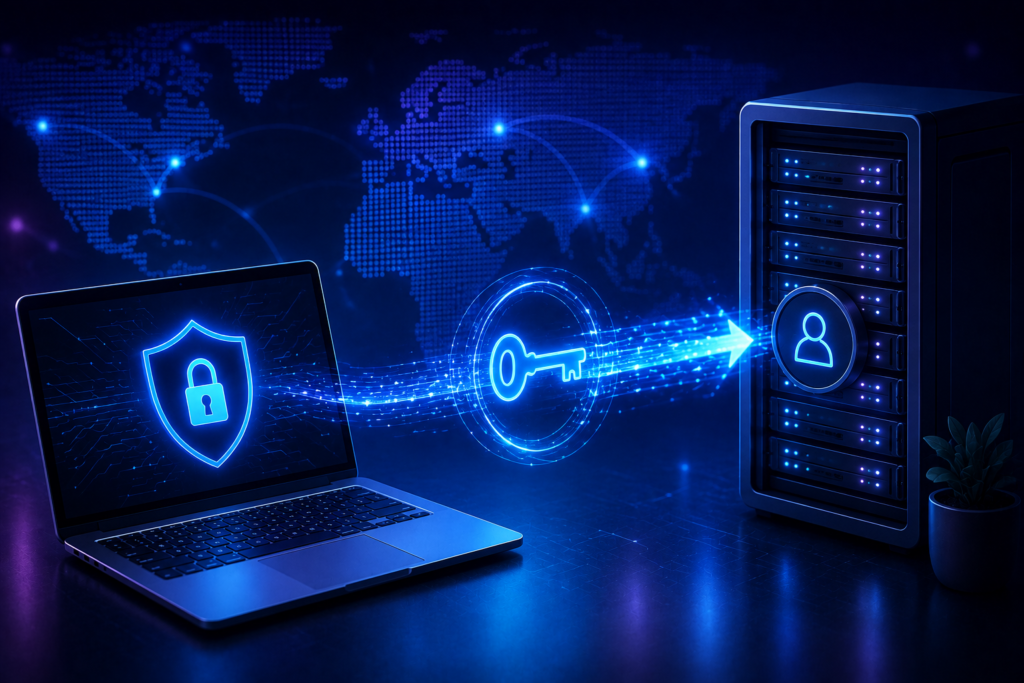
What is SSH? SSH is short for Secure Shell. It is a network protocol that provides secure remote access to computers and network devices. According to NIST, it is a protocol for securely logging into a remote computer and executing commands. It includes security features such as authentication and encrypted transmission.
A typical connection has two sides: an SSH client and an SSH server. The client operates on your workstation , the server runs on the distant machine . When a connection starts, the two systems negotiate security parameters, build an encrypted channel, and authenticate the user.
Here’s a typical command, for example:
ssh username@server-address
For example, an administrator might log into a Linux cloud server with:
ssh admin@example-server.com
How Does SSH Operate?
You can think of the connection as a process of steps.
1. Connection Is Initiated
The client connects the distant server, usually on TCP port 22 unless the administrator has established a different port. The server authenticates using a host key.
2. Encryption Is Negotiated
The client and server agree on cryptographic techniques and establish session keys; This preserves the confidentiality and integrity of the data travelling between them.
3. The Server Is Verified
The client verifies the host key of the server. This can help detect unexpected changes to the remote host, and may provide some protection against man-in-the-middle attacks. Google advises to use host keys to assist verify the remote machine and cautions of the risk of blindly trusting a host on initial connection.
4. The User Is Authenticated
Then the server authenticates the user. Password authentication may be available, however administrator access is generally suggested to be secured by public-key authentication. In key authentication, the private key is kept by the user and the corresponding public key is installed or authorised on the server.
5. The Session Begins
After a successful authentication the user is provided with a remote shell or other authorised service. The secured connection carries commands, answers and other supported communications.
Why Is SSH Considered Secure?
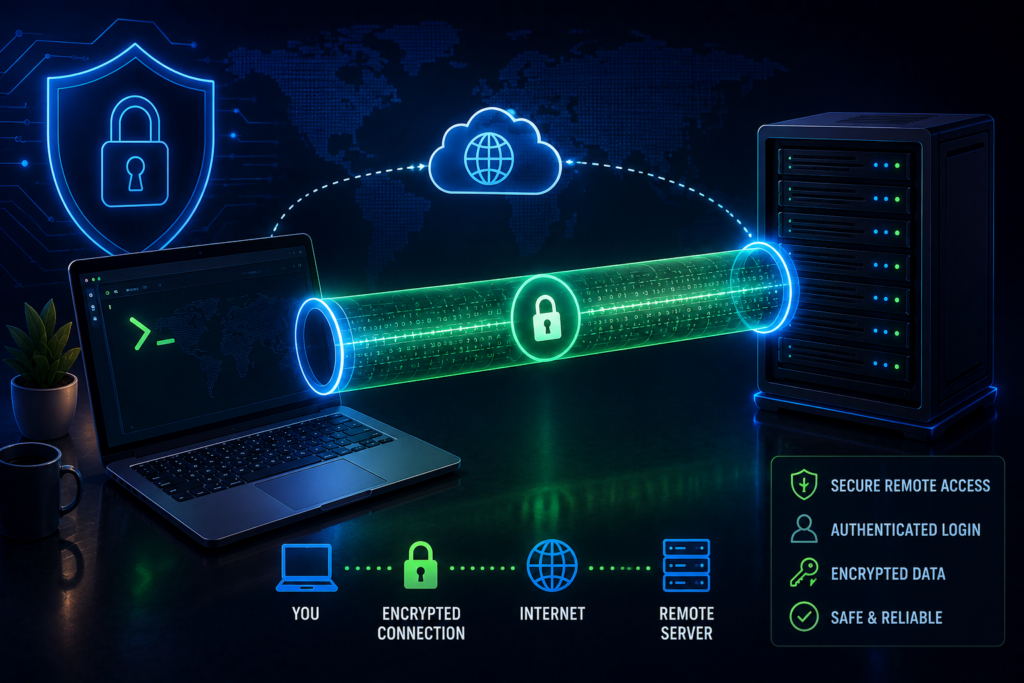
The fundamental security advantage of SSH is that it provides encryption, authentication, and integrity protection all in one protocol. This prohibits someone on a standard network connection from just reading instructions, credentials or other sensitive information in transit.
But just because SSH is enabled does not mean it is inherently secure. A server can still be exposed by misconfiguration, stolen private keys, overly permissive users, old software and insufficient account controls.
NIST states that user keys must be properly provisioned, terminated, and monitored to maintain remote access. This is particularly significant when remote management involves highly privileged accounts.
SSH Authentication Methods
Password Authentication
A password is given when the server requires one. This method is straightforward; however, passwords can be guessed, reused, phished or stolen. Generally, greater authentication controls are better for Internet-facing administration systems.
Public-Key Authentication
Public-key authentication involves a pair of keys ; a public key and a private key. The public key can be stored on the server , but the private key must be kept secure on the user device .
“You should treat the private key as very sensitive and anyone who has it may be able to authenticate as the owner,” Microsoft said. Another layer of protection can be a password.
Multi-Factor Authentication (MFA)
Organisations can also use SSH key authentication in conjunction with some additional factor, such as a one-time code or identity provider authentication. This may decrease the effects of a lost key.
How SSH Is Used?
SSH is not just opening a terminal. It can be useful for many key administrative and development activities.
Remote management of servers: Administrators have the ability to install packages, examine logs, control services, set up applications and solve issues on Linux systems.
Secure file transfer. Using SFTP you can securely transmit data from one system to another. SFTP runs using the SSH family of technologies.
Automation: Deployment tools and configuration-management systems employ SSH to perform remote activities in a controlled manner. NIST discusses both interactive and automated access management.
Remote development: With remote development developers are able to work on files and programs on another workstation. Microsoft supports remote-development workflows, and advises using key-based authentication for hosts.
Two Real-World Examples
1: Cloud Server Management
Say you have a small business and your website is hosted on a Linux virtual machine in the cloud. The administrator sees the website is slow.
Instead of actually travelling to the server, the admin logs in remotely, checks system resources and logs, determines the problem, and restarts the impacted service.
The administrator employs key-based authentication, restricts the privileges of the account, keeps the server up-to-date, and logs access activity. This enables more rapid remote maintenance without the risk of administrative orders being sent in clear text over the network.
2: Software Deployment
Suppose a development team releases a new version of a program. You require a deployment pipeline that connects to a production server and uploads approved files and runs a limited range of deployment instructions.
Instead of relying on a common admin password, the team can take advantage of tightly managed credentials and, where possible, short-term keys. Google Cloud supports ephemeral keys for machine users, because a leaked temporary key will have a shorter useful lifetime than a long-lived credential.
Common Remote-Access Security Risks
One common risk is a private key theft. If an attacker gets to an unprotected key, they can authenticate as its owner. Another concern is over-access. If one compromised user can access several servers with admin credentials, one event can become a bigger breach.
Another difficulty is key sprawl. Sometimes organisations create a lot of long-lived keys and neglect to remove them when people, contractors or automated systems no longer need access. In Google Cloud environments, Google suggests improving access evaluation and revocation by using centralised identity-based management mechanisms such as OS Login.
Misconfigured network access might enhance exposure as well. A service that is excessively reachable from the public internet will get more unwanted connection attempts, and a bigger attack surface. OWASP suggests utilising secure cryptographic methods for remote-access and data-transfer protocols, and transitioning unsafe outdated options to safer alternatives.
Is Secure Shell The Same As A VPN?
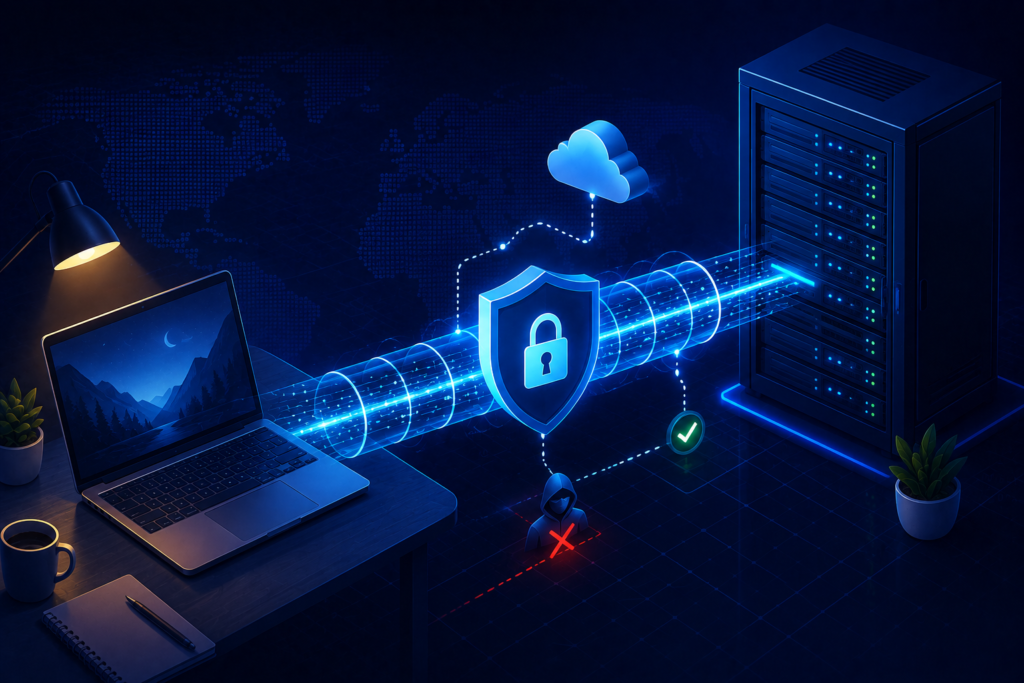
Nope. They are solving different problems.
The protocol is primarily developed for secure remote login, tunnelling and remote command execution services. VPN usually sets up a secure connection to the network and enables access to many network services without going through a public network.
You can utilise both in an organization. Employees can, for example, connect across a VPN or a zero-trust access layer before administrators can access internal systems.
Secure Shell Vs Telnet
Telnet is an outdated remote-access protocol and therefore doesn’t give the same built-in safety for remote administration. It was intended to be used for secure remote administration and has supplanted most insecure remote-login protocols.
If you still have legacy remote-login systems that use insecure protocols, you might want to consider migrating. OWASP particularly suggests disabling insecure remote-access protocols such as Telnet in favour of secure versions.
Final Thoughts
The protocol is one of the key tools for remote system administration. Its security relies on a combination of encrypted communications, host verification, authentication and rigorous access management. When correctly set up and administered, secure remote access can be a viable means of server administration, deployment automation, file transfer and remote development help.
The trick is not just giving people remote access. Organisations should secure private keys, implement robust authentication, use the principle of least privilege, minimise network exposure, keep systems up to date, revoke superfluous access, and monitor login activities. Google Cloud particularly suggests restricting network access, securing credentials, controlling login rights and creating an audit trail.
Frequently Asked Questions
1. What is Secure Shell?
Secure Shell (SSH) is a network protocol used to securely access and administer remote machines across a network.
2. Is Telnet less secure than Secure Shell?
Yes. Secure Shell enables encrypted connection and enhanced authentication capabilities, whereas standard Telnet does not provide equivalent protection for sensitive remote administrative traffic.
3. Is Secure Shell totally secure?
No technology is 100% secure. Even strong security mechanisms can be compromised by weak passwords, stolen private keys, excessive privileges, improper configuration, susceptible software, or unfettered network exposure.
4. Would a key be better than a password?
Key-based authentication is often chosen in many administrative settings since it provides better control than passwords. Protect private keys with a password or other equivalent hardware-backed protection where possible.
5. Can I run Microsoft’s implementation on Windows?
Yes. Microsoft offers remote-access capability for recent Windows versions, and PowerShell can also handle protocol-based remoting for cross-platform administration.
Try Our Tools
Looking for more practical cybersecurity and technology utilities? Visit https://explainmetech.com/tools/ for free tools to help with common security and technological tasks. Browse the selection, select a product that meets your needs and add it to your daily digital-security routine.
References
- OWASP Foundation — Insecure Use of Cryptography OWASP Security Guidance
- NIST — NISTIR 7966: Security of Interactive and Automated Access Management NISTIR 7966
- Microsoft Learn — OpenSSH and Remote Access Documentation Microsoft Learn
- Google Cloud — Best Practices for Securing Remote Access to VM Instances Google Cloud Security Guidance
- Google Cloud — Best Practices for Protecting Remote-Access Credentials Google Cloud Credential Guidance
For more helpful technology, cybersecurity, and digital-security tips, visit ExplainMeTech.com and explore our latest guides, tools, and insights.