
Instagram is a great place to share pictures, events, achievements and daily happenings. But not everything’s for a public profile. A seemingly innocuous photo or caption can sometimes reveal sensitive information that scammers, burglars or even strangers can use against you.
If you post too much, your social media posts can show where you live, who your family is, your habits, your finances, and your internet accounts. Microsoft believes anything you post on social media can let hackers find out more about you, when you are not at home, or even guess answers to security questions. Here are 7 things you should never upload on Instagram if you care about your privacy and digital security.
1. Your Home Address Or Precise Location
Your actual home address is one of the most critical things to remain hidden on Instagram. A photo of your property, flat number, street sign, shipping tag or location tag could all give it away without you intending to. If you do not post your address directly, it may be possible for someone to figure out where you live from the information in your message.
Be very careful about sharing your location in real time. For example, posting “I’m home alone tonight” and the location of your neighbourhood on social media can give out too much information to strangers.
2. Photos Of Your ID, Passport, Or Important Documents
Do not submit photos that include sensitive documents such as:
- Passeport
- Driver’s license
- Aadhaar or other identity proofs
- PAN card
- Emp. Number
- Papers Student ID Bank
- Airline tickets
- Credit or debit card
If you cover part of the document, additional information may be visible. Names, document numbers, QR codes, barcodes, birth dates and other facts can be abused.
Before you upload a travel shot, check the background carefully. A piece of paper on a desk can be as sensitive as the main topic of the photo.
3. Your Phone Number, Email Address Or Other Personal Details
Don’t post anything publicly that strangers can use to contact, impersonate or target you.
This includes:
- Private phone numbers
- Personal email addresses
- Home address
- Date of birth
- Workplace details
- School information
- Family members’ personal information
The more you tell others about yourself the easier it is for them to pull off a convincing fake.
For example, if one knows your name, where you work, your birthday, and family members, then that can make a message from someone you know a lot more convincing.
4. Passwords, OTPs, Or Security Information
This should be clear, but sometimes people mistakenly leak critical credentials via screenshots.
Never post:
- Passwords
- One-time passwords (OTP)
- Backup codes
- Security questions and answers
- API keys
- Login screenshots
- Bank details
Do not submit anything that reveals the answers to basic security questions.
For instance, a caption such as “Celebrating my 10th birthday with my first dog, Bruno!” could be perceived as quite innocent. But if your first pet’s name is the account recovery question, then you may have just answered it publicly.
5. Your Live Travel Plans
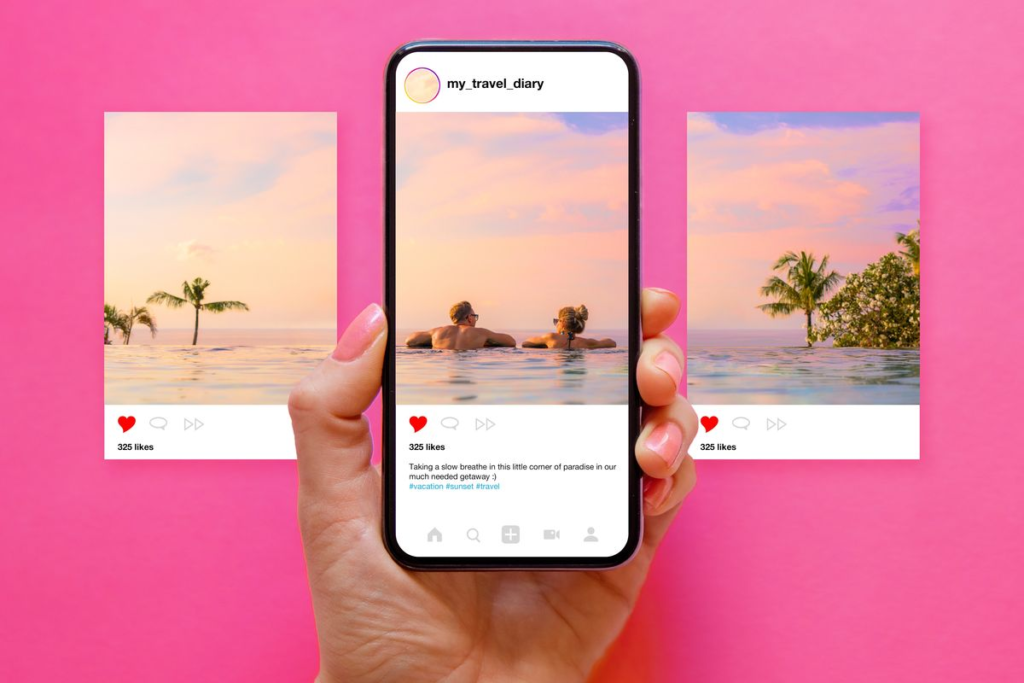
Sharing your holiday photos is fun but letting everyone know that you are not at home can generate unnecessary risks.
Avoid posting like:
“Leaving for Goa for the next 10 days! Our house will be empty!”
You don’t know who might read the post, take a screenshot of it or share it with someone else.
Posting vacation images when you’re home is the safer bet. But you can still share your memories without letting everyone know your home is currently empty. Microsoft also warns that posting pictures while you’re on the road can show that you’re away from home.
6. Financial Information Or Expensive Purchases
Don’t brag about expensive buys and financial details. And think twice before you do.
Do not post clear pictures of:
- Credit or debit cards
- Bank statements
- Salary documents
- Payment confirmations
- Account numbers
- Transaction screenshots
- Large amounts of cash
- Valuable items with identifiable details
Sometimes a photograph is worth more than you realise. Such as a photo of an online order you placed, this could reveal your name, address, order number, phone number, etc. If you’re going to put this on the internet, you should clip out vital personal info, or just keep it to yourself.
7. Photos That Reveal Too Much About Your Daily Routine
Your everyday habit can offer surprisingly useful information to strangers.
Posting the same material every morning indicating your location, employment, gym, school, or usual commute path may assist someone to grasp your pattern.
Be careful with images that reveal:
- Your regular commute
- Workplace entrance
- Children’s school
- Home security systems
- House keys
- Apartment numbers
- Daily schedules
- Frequently visited locations
Also check the background of your images. Microsoft suggests examining carefully for information unexpectedly exposed on screens, notes, whiteboards, reflections, or other items before sharing an image.
Realistic Example
A Vacation Post Reveals an Empty Home
Suppose Rahul uploads an image from the airport with the caption:
“Finally off to Dubai for 2 weeks! “Can’t wait!”
He has a public Instagram account. He also frequently posts photos of his home and the surrounding area. The post may appear harmless but it informs outsiders that Rahul is going to be away from home for a long time.
Even better, post the trip pics when you get back.
A Birthday Post Discloses Security Information
Let’s say Priya posts:
“Happy birthday to me! My first dog Bruno was my best childhood friend.”
She’s also often uploads her workplace, birthday, school experiences and family information.
If a fraudster were to do some research on her social media profile, they might be able to glean enough personal information to undertake targeted phishing attempts or try to answer security questions.
The lesson is not to cease publishing altogether. Rather, don’t give out anything that could be used to make a complete profile of you.
How To Be Safer On Instagram?
You don’t have to leave Instagram to maintain your privacy. There are some basic routines that can limit needless exposure.
Check your privacy settings
See who may see your posts, stories, followers, and other profile info. If you do not want a public account, consider using a private profile.
Think Before You Tweet
Before you upload something question yourself:
“Would this information be useful to a stranger?”
If the answer is yes, consider taking it down, cutting it, or limiting the audience.
Avoid Real-Time Location Sharing
You might share your present location later instead of uploading it.
Use strong and unique passwords.
Make your password long and different, and don’t use it anywhere else. If another site gets hacked and you use the same password, hackers may try those credentials on your Instagram account.
Enable Two-Factor Authentication
Two-factor authentication, or 2FA, adds an extra layer of security to your account. Someone can also take advantage of your password, but your account may also have a different authentication mechanism. Microsoft recommends multi-element authentication as a way to stabilize social media debt.
Protect Your Accounts With Our Password Generator
One of the easiest methods to boost your internet security is to use a strong and unique password. Use a randomly created password, not anything predictable based on names, birthdays, favourite places or anything else that might be found on social media.
Use our Password Generator to create strong, unique passwords for your online accounts.
Our Password Generator- https://explainmetech.com/tools/password-generator/
Using various passwords so that you are not using the same password for all your essential accounts also limits the harm if one of your passwords gets leaked.
What If You Already Posted Sensitive Information?
Don’t panic. If you find out that you’ve revealed something sensitive, move fast.
- Remove the post or story.
- Delete sensitive information from your profile.
- Check your privacy settings.
- If your credentials were exposed, change your password.
- Turn on two-factor authentication.
- Check for any suspicious login activity.
- Watch out for spammy DMs, emails and links.
Just remember that not everyone deletes posts, and someone else might have saved or duplicated it. “Information that is shared online can be hard to fully erase once others have captured or redistributed it,” Microsoft says.
Conclusion
Instagram is designed for sharing but not all sharing is right sharing. A photo can reveal your whereabouts, a birthday post can expose sensitive data, a screenshot can accidentally capture important credentials.
Take a few seconds before uploading to study the photograph, caption, location, background and audience. Simple privacy habits can make it more tougher for scammers and hackers to gather information about you. You safeguard your privacy, not your social media visibility. It simply means being more selective about what you choose to communicate.
Frequently Asked Questions
1. What should you NOT post on Instagram?
Do not share your passwords, OTPs, identity documents, financial information, home addresses, private contact details, real time travel plans or any other personal details of your daily routine.
2. Is it safe to share my location on Instagram?
Telling people where you are is not bad. Telling people where you are in real time publicly is bad and can betray your location. Don’t post about a location after you’ve left or disclose your locations.
3. Can someone steal your identity from Instagram posts?
Could be. Criminals could use your full name, birthday, location, family information, workplace, and other personal information to create a profile on you. Microsoft feels that sharing too much information could lead to higher theft rates.
4. Should I upload pictures of my passport or ID?
No. Identity documents contain sensitive information that should not be published publicly. If you need to deliver a document to an organization, utilise the organization’s established secure means, not by posting it publicly.
5. What can I do to secure my Instagram account?
Use a strong, unique password, activate two-factor authentication, check your privacy settings often, share only relevant personal details, and be wary of sudden communications and links. Microsoft also warns to be on the lookout for phishing efforts on social sites.
Reference Sources
- OWASP Authentication Cheat Sheet
- NIST Digital Identity Guidelines (SP 800-63B)
- Microsoft Security – The Dangers of Oversharing
- Google Safety Center
- Microsoft Security – Protect Yourself From Phishing
Explore ExplainMeTech.com for practical technology, cybersecurity and online safety information with helpful tutorials, security tips and the latest digital insights.