
Phishing has always been a cybersecurity threat, but now, with artificial intelligence, it becomes even more challenging for several reasons. Artificial intelligence allows attackers to create phishing schemes that are more realistic, personalized, and at a much larger scale. Moreover, with the help of artificial intelligence, attackers can imitate writing styles, generate counterfeit websites, translate text into other languages naturally, and even create voice phishing schemes.
According to Google Threat Intelligence, in February 2026, bad actors used AI to gather information, design phishing attacks, and create malware. Microsoft mentions similar incidents of AI-generated phishing and attacks on enterprises at scale using automated processes. Overall, the warning is clear: no longer will a basic phishing email be enough to cause harm in 2026.
What Is AI Phishing?
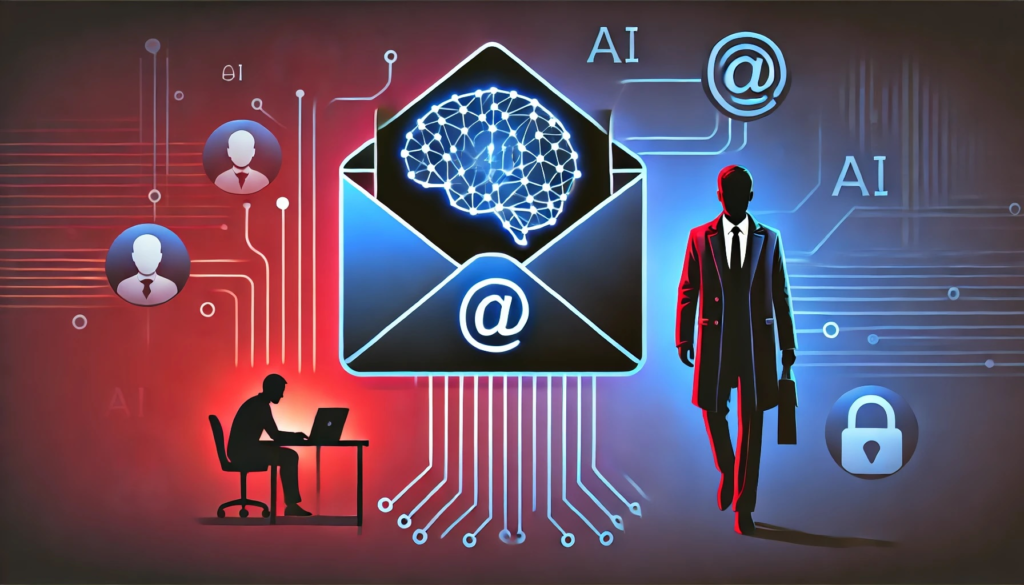
AI phishing is a type of phishing attack where artificial intelligence is used to make false messages, websites, ads, chat chats, or calls more believable. In traditional phishing, there are typically visible warning indicators, such as spelling errors, unusual phrasing or generic welcomes. Artificial intelligence is able to eliminate many of these weaknesses.
An attacker can take publicly available information on a target and feed it to an AI system, which can then be used to generate a message that sounds relevant to that individual. Artificial intelligence can also help attackers generate more versions, speeding up campaigns and making them tougher to detect with simple pattern matching.
NIST defines phishing as an attack “in which a victim is lured into interacting with a counterfeit verifier and is tricked into revealing information that can be used to impersonate him or her.” Its current Digital Identity Guidelines also include phishing resistant authentication.
How Hackers Use AI For Phishing Attacks?
1. Creating More Convincing Emails
AI is able to create professional looking emails in seconds. attackers don’t have to manually forge each communication anymore. Phishing emails may look to come from a bank, employment, delivery business, cloud provider or AI platform. The message may include suitable wording, formatting and terminology to lend an air of legitimacy to the request.
In 2026, Microsoft said the popularity of AI companies, such as ChatGPT, Copilot, DeepSeek, and Claude, were being used by threat actors as social-engineering lures.
2. Personalizing Scam Messages
AI makes it much easier to personalise. Attackers can gather information from public websites and social media and use it to craft messages that refer to a person’s employer, employment description, current activity or interests.
Create an email that appears to be from a real company of an employe and cites a specific team or project. The more relevant a communication appears, the more likely someone may be tempted to trust it.
3. Generating Fake Websites
Criminals can use AI to make very convincing replicas of login pages and other websites. A false page may duplicate the colours, layout, logos and wording of an actual service. It tries to trick the user into entering their account, password, verification code or other sensitive data.
Phishing can be used with methods such as malicious redirects and content spoofing to make fraudulent destinations appear more trustworthy, states OWASP.
4. AI-Powered Voice Phishing
Email is not the only way to get phished nowadays. AI speech technology can make phone frauds more convincing, as attackers can imitate voices or generate natural-sounding conversations. This can be extremely harmful when the thief appears to be a relative, manager, bank representative, or technical support employee.
The important thing is that a recognisable voice is not necessarily an identification confirmation. Sudden requests for money, passwords, verification codes, urgent access to accounts — check independently.
5. QR-code and device-code phishing
Attackers are also deploying more complex authentication bait. In June 2026, Google’s scams advisory pointed to adversary-in-the-middle assaults and QR-code phishing, including attempts aimed at stealing passwords and session cookies.
Microsoft has also described a distinct AI-powered device-code phishing effort, in which automated and dynamically produced codes allowed attackers to infect organisational accounts en masse. This means that the authentication request, even if it seems technically valid, must be thoroughly checked.
Realistic Examples Of AI Phishing
Fake Company Email
Let us assume Priya is working in a company that uses Microsoft 365.
She gets an email that seems like it’s from the IT department:
“Security Check Required – Finish Before 6:00 PM.”
The email included her firm name, was written in a professional tone and included a link to a login site. The notice says that a recent security upgrade needs employes to validate their accounts.
The wording was AI-generated by the attacker, so it sounds professional. Priya clicks the link and is directed to a login page that resembles the standard company sign-in page. She types in her credentials and unwittingly sends them to the attacker.
What should she have done?
She might have just gone to the company’s official website or application and checked to see if there was a security notification there, rather than clicking the email link.
AI Voice Scam
Now imagine Rahul gets a call from someone who sounds like his manager.
The caller states:
“I’m in a meeting and you need to process this payment ASAP. “I’ll send you the details in a message.”
The voice is known and the request feels pressing. Rahul nearly follows the directions. But he chooses to call his manager on the company’s regular phone line instead of continuing the chat. His boss says no payment was asked for. This basic verification step prevents a potentially costly social engineering attempt.
How To Recognize An AI Phishing Scam?
Don’t just rely on syntax and spelling – AI-generated texts can look professional.
Look for behavioral warning signs:
- Unexpected password or verification code requests
- Requests that seem urgent for money or access to your account
- Links that go somewhere different
- Requests for exemptions from standard company policies
- Unexpected QR-codes
- Messages encouraging you to install software of unknown origin
- Pressure to keep the request confidential
- Unrecognised Login Notifications
- Requests for Confidential Information
- A sender who suddenly speaks in a strange way
Rather than immediately trust unexpected requests, Google advises users to rely on the security measures built into the system, and to independently check any questionable communications.
How To Protect Yourself From AI Phishing In 2026?
1. Don’t trust a message just because it looks professional
AI is able to produce clean writing. Good grammar is no longer proof that a message is legitimate. Check sender, request, link, and context.
2. Visit Official Website
If you receive a surprise account warning, don’t just click the link therein. Instead, open your browser and manually go to the official website of the service or use its official application.
3. Use Strong Unique Passwords
Having a unique password for each of your critical accounts limits the impact if one password is compromised. A password manager can assist you in generating and preserving unique credentials.
4. Activate MFA or Passkeys
Multi-factor authentication is an additional layer of protection. But not all MFA methods are equal in their phishing resistance. NIST advice now draws a sharp line between phishing-resistant authentication and techniques where an attacker can intercept and relay authentication codes. Consider passkeys or other phishing-resistant authentication techniques if available.
5. Review Urgent Requests Individually
If somebody requests money, sensitive information, account modifications, or an unexpected activity, confirm the request through a different trusted communication channel. Avoid the phone number, email address, or link in the questionable communication.
6. Update Your Devices Regularly
Update the operating system, browser, applications, and security. Automated and AI-driven techniques are used more and more by modern browsers and security services to identify harmful websites and scams. Google says its AI-powered defences help combat spam, phishing, malware, malicious websites and scam-related content across its products.
Create A Secure Password Using Our Password Generator
A strong, unique password is a key aspect of keeping your online accounts safe. Use several passwords for different websites. Don’t use easily guessable information such as your name, birthdate, phone number or favourite team.
ExplainMeTech Password Generator Generate a strong random password for your accounts.
Try our Password Generator: https://explainmetech.com/tools/password-generator/
For high-value accounts, use strong passwords and, if available, MFA or phishing-resistant authentication.
Why AI Phishing Is A Bigger Problem In 2026?
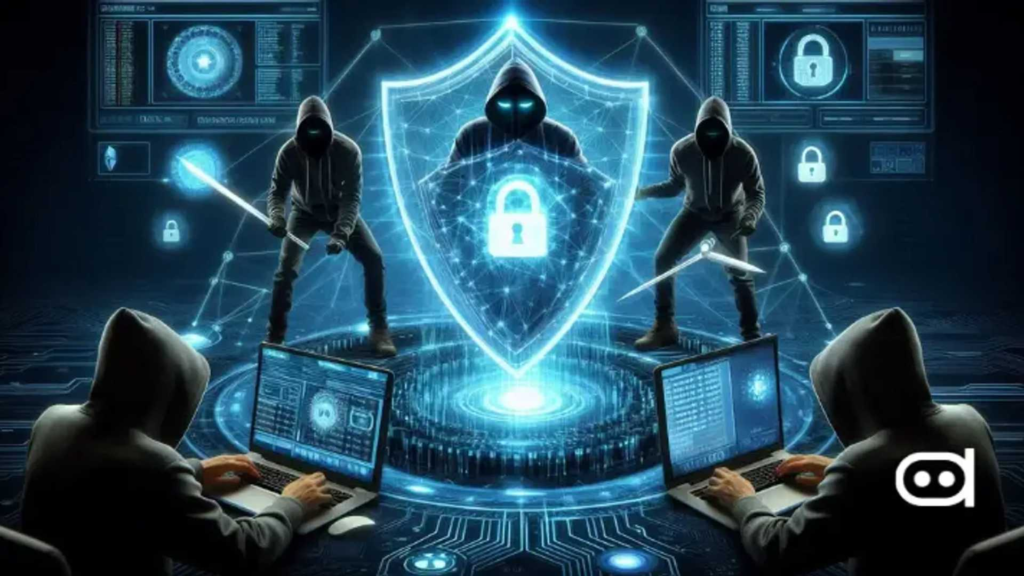
But the major change is not that hackers have access to AI. It’s the pace and the magnitude at which they can operate. Artificial intelligence can assist attackers in researching targets, creating compelling messages, translating, creating variations, automating portions of campaigns and adjusting their social-engineering tactics.
Recent 2026 research and threat information show that AI-assisted phishing is already a real security danger, not only a future threat. At the same time, AI is being deployed offensively. Security businesses and technology platforms use machine learning and AI to flag questionable messages, websites, calls and behaviour.
This is a cybersecurity race happening right now: attackers are harnessing AI to make fraud more convincing, defenders are harnessing AI to detect and stop them.
Final Thoughts
AI phishing scams are getting tougher to detect, with attackers being able to send personalised, professional and persuasive communications. The best defence is not trying to guess whether a communication “sounds AI-generated.” “Focus on verification and security habits instead.”
Avoid clicking on unexpected links. Never share your passwords or verification codes. Use an independent channel to verify time-sensitive requests. Use unique passwords, MFA, and phishing-resistant authentication where available. Above all, take it easy when a message evokes hurry or dread. One extra minute spent validating a request can avoid a major security problem.
Frequently Asked Questions
1. What is AI phishing?
AI phishing is a phishing attack in which thieves utilise artificial intelligence to develop or improve fake emails, websites, chats, calls or other social engineering content.
2. Are phishing emails written by AI realistic?
Yes. AI is capable of writing natural language, professional formatting, translations and personalised content, all of which makes some phishing messages much more difficult to detect just by spelling or grammar.”
3. Is AI being utilised for voice phishing?
Yes. AI voice technology can be used by criminals to develop convincing voice-based scams. If you get an unexpected request for money, passwords or personal information, always independently verify that request.
4. Does MFA prevent AI phishing?
MFA is a great way to strengthen account security, but some authentication mechanisms are still vulnerable to phishing or adversary-in-the-middle attacks. Phishing-resistant authentication, such as properly configured passkeys, gives greater protection against these assaults.
5. If I opened a phishing link, what should I do?
Do not interact with the page. Do not provide any extra information. Change any compromised credentials from the authentic website. Change it there as well if you used a password you use elsewhere. Review your account activity. Contact your organization’s IT/security personnel or the affected service, if appropriate.
Reference Sources
- OWASP – Authentication Cheat Sheet
OWASP Authentication Cheat Sheet - NIST – Digital Identity Guidelines: SP 800-63B-4
NIST SP 800-63B-4 - Microsoft Security – AI-Enabled Device Code Phishing Campaign
Microsoft Security – AI-Enabled Phishing Campaign - Google Threat Intelligence – AI Cyber Threat Trends
Google Threat Intelligence – AI Cyber Threat Trends - Google Security – Scam & Fraud Protection
Google Security – Scam and Fraud Protection
For more practical technology and cybersecurity guidance, visit ExplainMeTech.com for fresh security tips, digital safety guides, and easy-to-understand technology insights.